
Digital Experience
Website redesign checklist for growing Indian businesses
Planning a website redesign? A step-by-step checklist to protect search rankings, enquiries and tracking, from URL mapping and 301 redirects to launch day.
By EVERSIL Editorial TeamPublished 8 min read
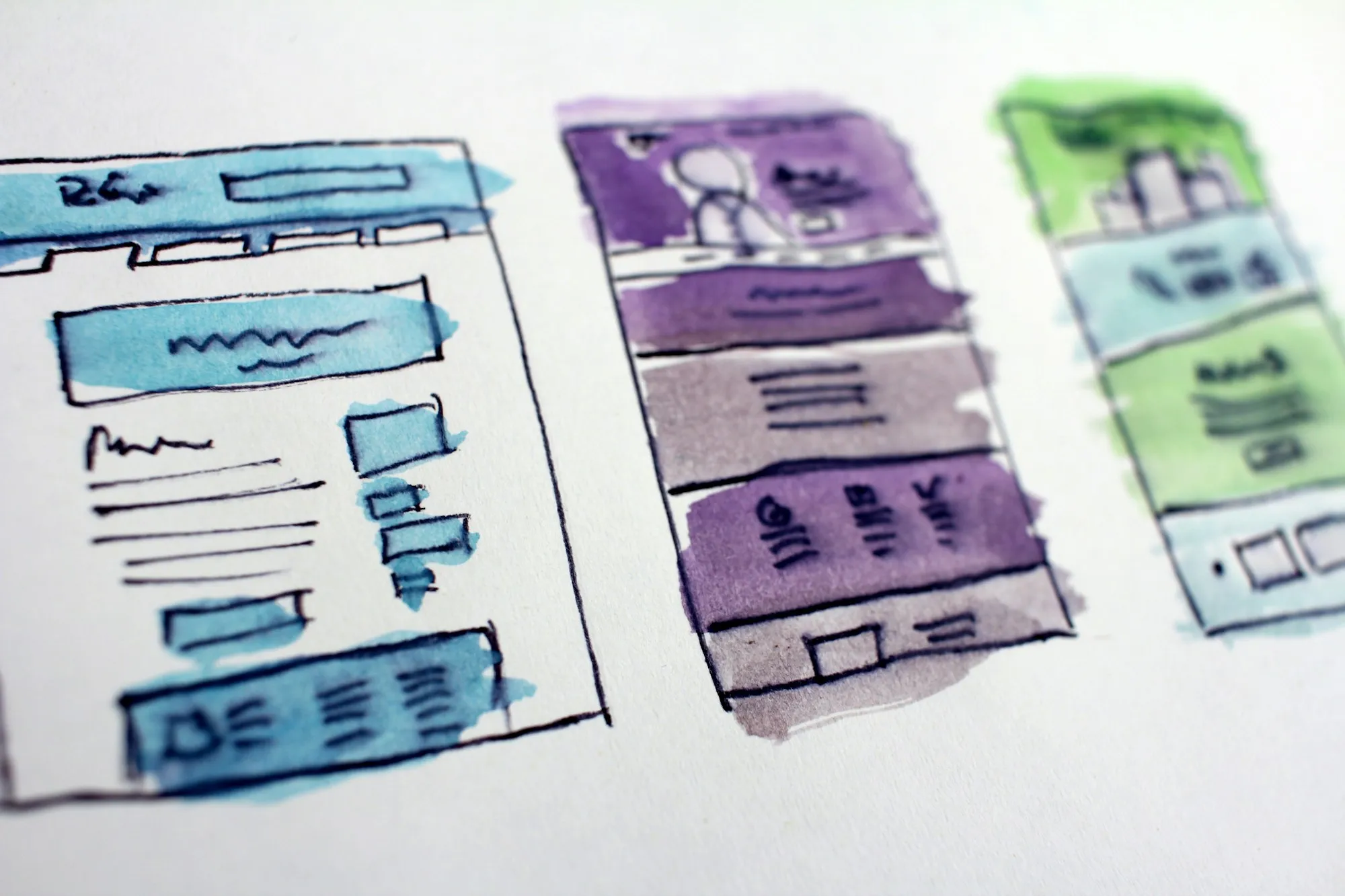
A redesign should make your website clearer, faster and better at bringing in enquiries. Done carelessly, it can also wipe out search rankings you spent years building, break forms or stop tracking without anyone noticing. This checklist covers what to do before, during and after a redesign so you keep what works and improve the rest.
Signs it is time to redesign
- The site is slow or awkward on mobile phones.
- Your services, pricing model or target customers have changed.
- Visitors arrive but rarely enquire.
- Your team cannot update content without a developer.
- The design no longer matches the quality of your business.
Before you start: record a baseline
- Write down the goals: more enquiries, better-quality leads, easier updates or a clearer brand.
- Export a list of every current URL, for example from your sitemap or a site crawl.
- Export the pages and search queries that bring traffic from Google Search Console.
- Note current enquiry numbers and the conversions tracked in Google Analytics.
- List the pages that bring enquiries so they are not removed by accident.
Content and structure
- Keep and improve pages that already rank or convert, rather than rewriting them from scratch.
- Merge thin or overlapping pages into stronger ones.
- Plan the new navigation around how customers choose, not around your internal departments.
- Keep URLs the same wherever you can. Changing URLs is the biggest SEO risk in a redesign.
Redirects: the step that protects your rankings
If any URL changes, Google recommends server-side permanent redirects (301 or 308) from each old URL to its new equivalent. Redirect directly to the final page, avoid chains of redirects, and don't send many old pages to the homepage. Google advises keeping redirects in place for as long as possible, generally at least a year.
- Map every old URL to the closest matching new page in a spreadsheet.
- Update internal links so they point straight to the new URLs.
- Point canonical tags and the XML sitemap at the new URLs.
- Test the redirect map before launch and again after it.
Tracking and forms
- Recreate analytics tracking and conversion events on the new site.
- Test every form end to end and confirm enquiries reach the right inbox or CRM.
- Track phone and WhatsApp clicks as well as form submissions.
- Check the cookie consent banner still controls analytics correctly.
Launch day checklist
- Remove any 'noindex' setting and check robots.txt is not blocking the site.
- Make sure the staging site is not indexable.
- Confirm redirects work for your most important old URLs.
- Submit the new sitemap in Google Search Console.
- Test key pages on real mobile phones for speed, layout and forms.
After launch
Watch Google Search Console for crawl errors and pages that are not indexed, fix any 404 pages that still receive visits, and compare traffic and enquiries with your baseline every week for the first couple of months. Small dips are normal while search engines process changes. Lasting drops usually point to a redirect, indexing or content problem worth investigating straight away.